MethSpin Mobile Australia: Web App, iPhone and Android Access
 Available in AU
MethSpin currently presents its mobile product as a mobile-optimised web app, not as a native iPhone app from Apple’s App Store or an Android app from Google Play. MethSpin’s current site says users access the full casino through a mobile browser and can use Add to Home Screen for app-like launching. That information takes priority over older or conflicting third-party pages that describe a native MethSpin app.
In practical terms, there is nothing to download from an app store based on MethSpin’s current public information. You open the site in your phone browser, sign in there, and use the same web-based lobby for games, payments, bonuses and account functions. Do not install an APK or follow an unofficial download link simply because a third-party page calls it the “MethSpin app”.

Table of Contents
- Is there a MethSpin app for iPhone or Android?
- How the web-app model works
- iPhone access
- Android access
- What MethSpin says is available on mobile
- Payments on mobile
- How to add MethSpin to your home screen
- How to verify you are using the right site
- Mobile web app versus native app: which practical differences matter?
- Registration and account access on mobile
- Mobile checklist
- FAQ
Is there a MethSpin app for iPhone or Android?
According to the current MethSpin page, no native App Store or Google Play application is distributed. MethSpin instead describes a mobile-optimised web app that runs in the browser. MethSpin also says users can add the site to a phone’s home screen so it launches from an icon in a way that feels closer to an installed app.
This distinction matters because several third-party pages make stronger claims about native iOS or Android apps, including supposed APK downloads, biometric login and store availability. Those claims conflict with MethSpin’s current site. A native app should only be claimed when a current official App Store or Google Play listing can be verified.
| Mobile question | Current MethSpin position | What it means |
|---|---|---|
| Native iPhone app? | No current native App Store app claimed by MethSpin. | Use Safari or another supported browser. |
| Native Android app? | No current native Google Play app claimed by MethSpin. | Use Chrome or another mobile browser. |
| Home-screen shortcut? | Yes, Add to Home Screen is currently described. | You can launch the web app from an icon without a store install. |
| Full lobby? | The current page says the complete 270+ title lobby is available. | Game access is designed to remain browser-based on mobile. |
| Payments? | The current page says the same payment methods are available on mobile. | Confirm the live cashier before depositing or withdrawing. |
How the web-app model works
A web app is a website designed to behave like an application when used on a phone. The software is delivered through the browser instead of being installed from an app store. Updates happen on the website side, so users do not normally download a new app package each time the interface changes.
MethSpin’s current page specifically describes Add to Home Screen access and says its iOS web-app configuration can open the site in a full-screen style without normal browser bars. That makes the experience more app-like while keeping it browser-based.
The practical advantage is simplicity: there is no separate store install to keep updated. The trade-off is that the experience still depends on the browser, the website being reachable and the site’s current mobile implementation. A home-screen icon should therefore be understood as a shortcut to the web app, not proof that a native application has been installed.
iPhone access
For iPhone users, the current model is browser first. Open the current MethSpin site in the mobile browser, sign in, and use the web interface. MethSpin says the site can be added to the home screen, which gives you an icon that opens the web app directly.
Do not look for a supposed MethSpin App Store listing based only on a third-party review. MethSpin’s current site explicitly says there is no native App Store app. If that changes later, the strongest evidence would be a current official Apple App Store listing linked to the operator, not a download button hosted on an unrelated review site.
Before using a home-screen shortcut, verify the address in the browser first. Adding a shortcut saves the current site location, so starting from the correct destination matters.
Android access
The same verification approach applies on Android. MethSpin currently says there is no native Google Play application and presents the browser-based mobile web app as the standard route. Android users can open the site in a mobile browser and use the browser’s home-screen option for quicker launching.
This is especially important because the word “APK” is often used by third-party casino pages. An APK is an Android installation package, and installing one from an unverified source bypasses the normal Google Play distribution process. MethSpin’s current site does not establish an official native Android app or provide an official APK link.
If MethSpin later publishes a native Android application, a current official Google Play listing would be the appropriate evidence to update this page.
What MethSpin says is available on mobile
The current mobile section says the complete lobby is available through the mobile web app, including more than 270 titles across Slot, Casino live dealer, Fish and Card tabs. It also says bonuses and the same payment methods used on desktop are accessible on mobile.
Those are useful high-level claims, but individual game availability can still change. A particular title may be added, removed or behave differently on a small screen. For that reason, the game library page focuses on the current category and provider evidence rather than promising that every title will always be available.
Live dealer games deserve an extra device check because streamed video and betting controls place more demands on screen space and connection stability. If live play is your main use case, test the table interface on your actual phone before relying on mobile as your primary access method.
Payments on mobile
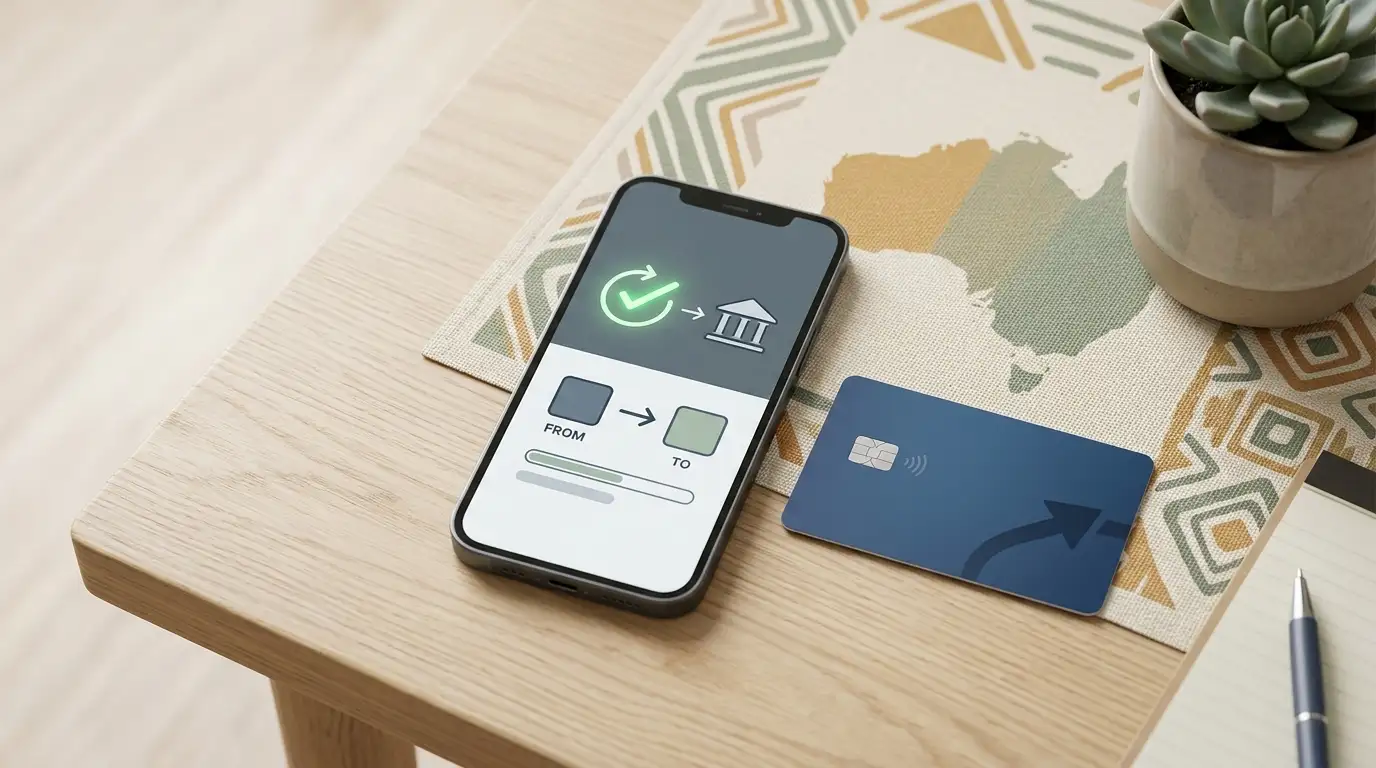
MethSpin’s current payment information lists AUD deposit options including PayID, Visa, Mastercard, Apple Pay, AuTrustPay and AGXGPay. The current mobile section says the same payment methods are available through the web app. That means mobile users are not being directed to a separate app-only cashier based on MethSpin’s current site.
Exact deposit minimums, gateway limits and processing details belong on the payments and PayID page because those figures change more quickly than the general mobile-delivery model. On mobile, the useful check is whether the live cashier shows the method you expect before you confirm a deposit.
For withdrawals, do not assume that the method used to deposit determines the cashout method. MethSpin’s current withdrawal information says payouts go to the registered bank account. Mobile access changes the interface used to submit the request, not the underlying need to check current withdrawal conditions.
How to add MethSpin to your home screen
MethSpin currently describes an Add to Home Screen option rather than a native app download. The exact browser menu wording can differ by device and browser version, so the durable method is to first open the verified site in your browser and then use that browser’s home-screen or install-shortcut command.
- Open the current MethSpin site in your phone browser.
- Check the address before signing in or saving a shortcut.
- Open the browser’s sharing or menu controls.
- Choose the home-screen or install-shortcut option offered by the browser.
- Launch the saved icon and confirm that it opens the same verified web address.
This creates app-like access without changing the underlying delivery model. It remains a web app served through the browser.
How to verify you are using the right site
Without a verified native app-store identity or operator-specific security certifications, the safest verification process stays simple. Start from the official MethSpin web address, confirm the address before entering credentials, and avoid download links that send you to an unrelated file host.
- Do not install a file merely because it is labelled “MethSpin Android app”.
- Do not assume an app-store badge on a third-party review proves that an official listing exists.
- Do not enter your password into a page reached through an unknown APK or mirror download page.
- Confirm the web address before adding a home-screen shortcut.
- If the operator later publishes a native app, verify it through the official store listing rather than a copied download link.
This guidance deliberately avoids claiming features such as two-factor authentication, certificate types or biometric login because those details are not stated in MethSpin’s current public information.
Mobile web app versus native app: which practical differences matter?
A native app is downloaded as an application package and distributed through an app store or another installation channel. A web app is delivered through the browser. For a user, both can place an icon on the home screen, which is why third-party reviews sometimes blur the distinction.
The difference matters when you are verifying the software source. With MethSpin’s current model, MethSpin’s current site says the official route is the mobile website. There is no need to locate a separate iOS or Android package. That reduces the value of third-party “download” pages because they are solving a problem MethSpin’s current site says does not exist.
It also means storage and update behaviour differ from a conventional app. The web interface is loaded from the site and can be updated without a store update. If the mobile experience changes, the live site should be treated as the current reference rather than an old app version number.
Registration and account access on mobile
The current MethSpin page describes registration using an Australian +61 mobile number and SMS verification. On mobile, that process is handled through the same web-based account flow rather than through a separate native application.
If you are creating an account on a phone, use the current site and make sure the name entered matches the bank-account details used for withdrawals. The dedicated account registration page covers the registration and verification boundaries in more detail.
Mobile checklist
- Use the browser-based MethSpin site rather than searching for an unofficial APK.
- Treat Add to Home Screen as a shortcut to the web app, not as a native store install.
- Check the address before logging in or saving the shortcut.
- Test the game or live table you actually want to use on your phone.
- Check the live cashier for current mobile payment availability.
- Do not rely on third-party claims of biometric login, push notifications or native apps unless a current official store listing confirms them.
FAQ
Does MethSpin have an iPhone app?
The current direct MethSpin source says there is no native App Store app. MethSpin currently uses a mobile-optimised web app instead.
Does MethSpin have an Android app or APK?
MethSpin’s current site says there is no native Google Play app, and it does not provide an official APK link.
Can I add MethSpin to my home screen?
Yes. The current MethSpin page describes Add to Home Screen access so the web app can be launched from a phone icon.
Are the same games available on mobile?
The current page says the complete 270+ title lobby is available through the mobile web app. Individual title availability can still change, so check the live lobby for a specific game.
Can I use PayID on mobile?
PayID is among MethSpin’s current listed AUD deposit methods, and the current mobile section says the same payment methods are available on mobile. Confirm the live cashier before depositing.
Why do some sites claim there is a native MethSpin app?
Third-party pages conflict on this point. MethSpin’s current site describes the product as a mobile-optimised web app rather than a native App Store or Google Play app.
For the broader context, see the MethSpin Australia review.
Created by the ”Methspin Casino” editorial team.